INTERACTIVE DEMO
Turn game screenshots
No sign-up · Images stay in your browser
Turn game screenshots
into editable UI
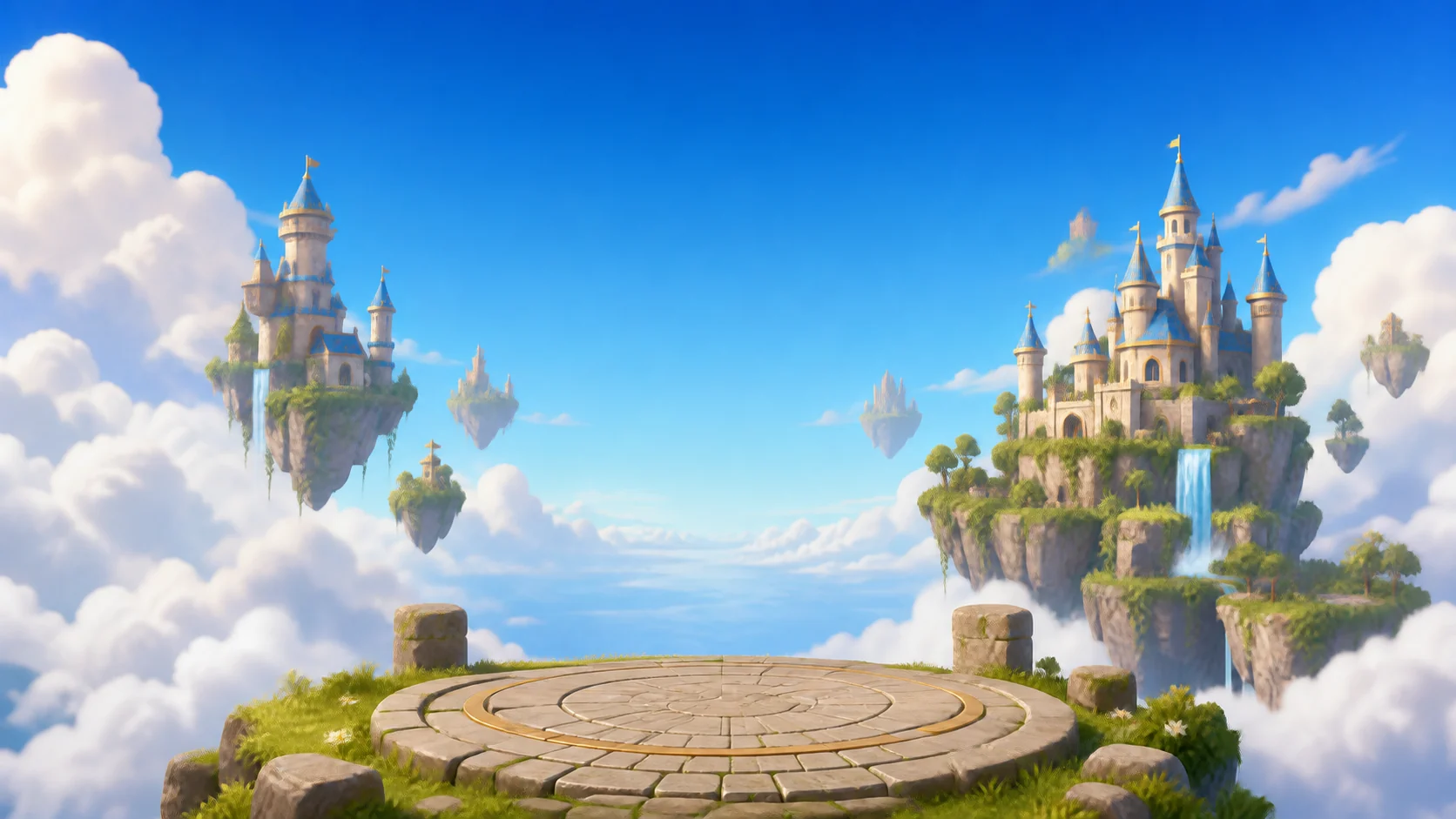
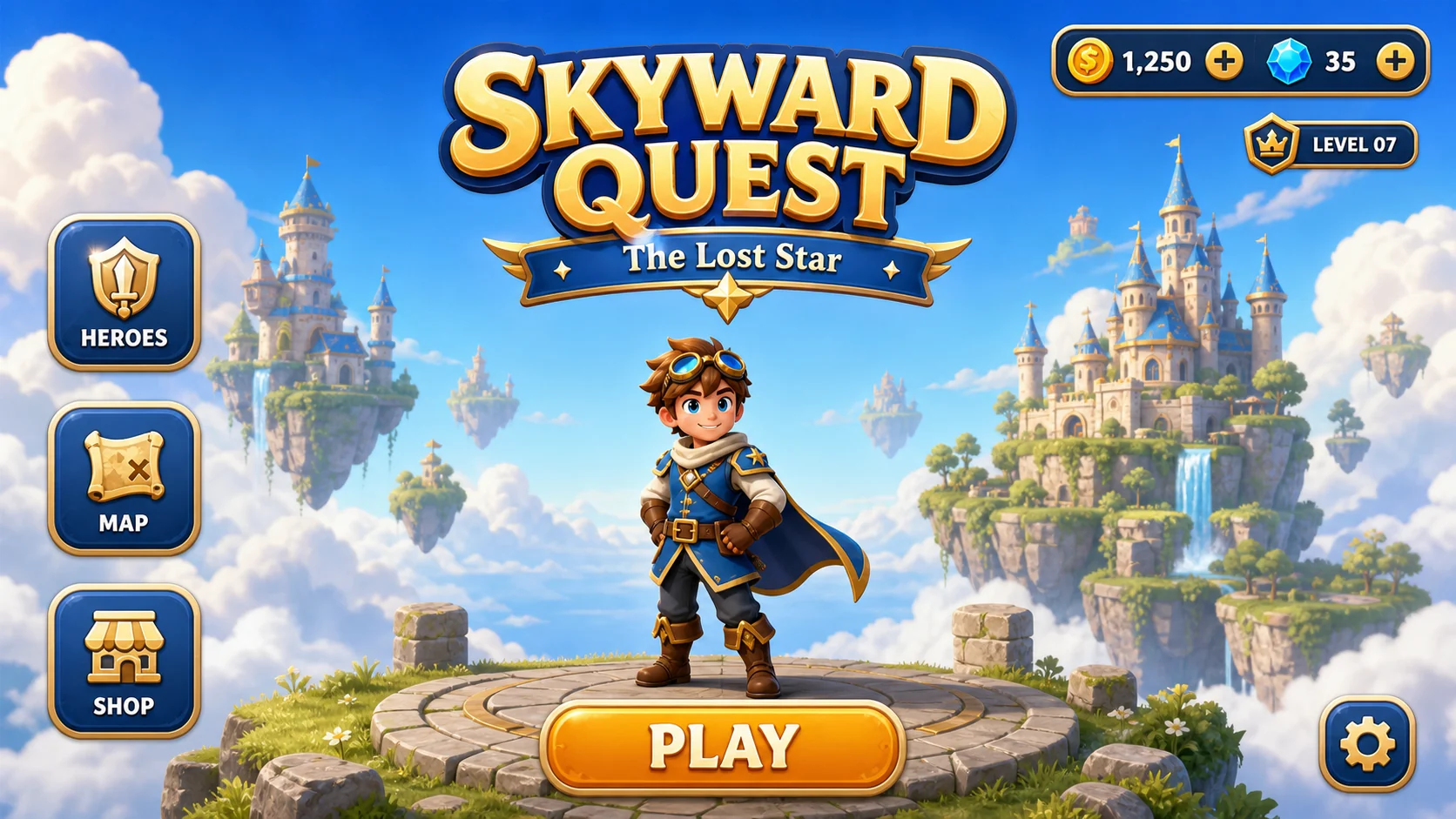
Detect buttons, HUD panels, and logos, separate them from a clean background, then rebuild the screen like a set of visual building blocks.
- ◈Detect componentsFind buttons, currency bars, logos, and other standalone modules
- ▦Separate the backgroundCreate a clean, reusable backdrop while preserving transparency
- ⌗Recompose freelyDrag, scale, adjust opacity, and preview style variations
STEP 02 · SCAN
02 / 04
Scan the interface structure
Focus on interactive UI modules without mistaking characters or scenery for buttons.
STEP 03 · REVIEW
03 / 04
8 UI components detected
Review the results before separating the background from the interface elements.
STEP 04 · COMPOSE
04 / 04
Rebuild the game screen
The background is already clean. Add components from the library, then drag them directly on the canvas.